
Media Collection App for Movies, Vinyl, and Games
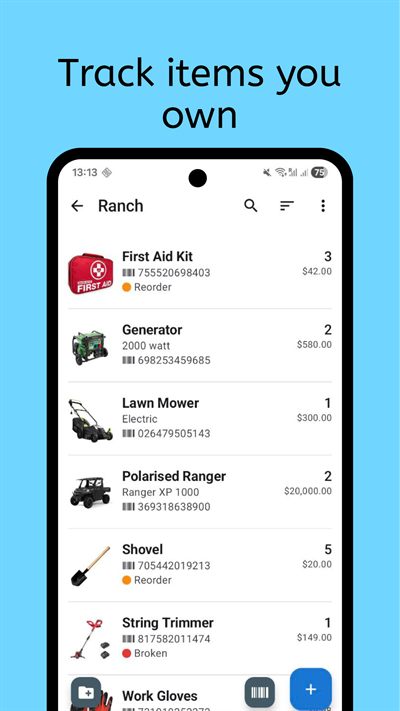
Collection & Inventory Tracker helps you organize movies, vinyl, games, and other media in one place. Instead of splitting the collection across separate apps, you can keep one structure with fields for format, edition, platform, condition, and location.
That makes the collection easier to browse and keeps details consistent across different media types.
Who it is for
It works well for people with blended libraries. Movie collectors can track disc editions, vinyl owners can organize pressings, and gamers can manage physical titles across multiple consoles.
It is also useful when your collection has crossover categories. Many users own books, comics, records, and games together, and a single tool avoids duplicate taxonomy work. You can keep one consistent naming standard and still include media-specific details where needed.
If you buy and trade frequently, a central catalog helps reduce duplicate purchases and improves visibility into what you already own.
What to track
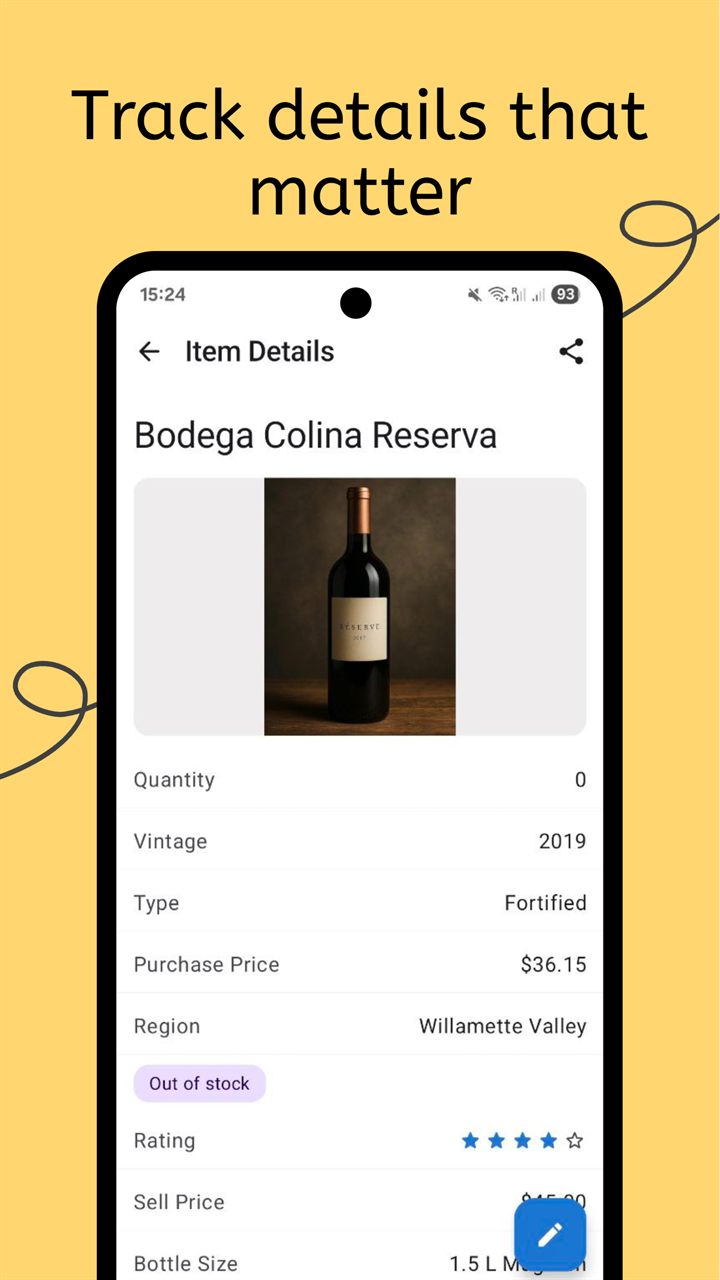
A mixed media catalog needs shared fields and format-specific metadata. Collection and Inventory Tracker lets you combine both without forcing a rigid template.
- Core title records: name, creator, genre, release year, and media type.
- Format detail: vinyl speed, disc region, platform generation, edition, and packaging notes.
- Ownership status: owned, lent out, wish list, archived, or duplicate copy markers.
- Condition tracking: sleeve quality, disc condition, insert completeness, and repair notes.
- Storage mapping: shelf, crate, cabinet, or box location for fast retrieval.
- Acquisition info: purchase source, date, and value history for collector reference.
Barcode intake can speed up entry for supported products, and custom fields cover everything else. You can keep a base schema for all media and then add optional fields only for categories that need deeper detail.
How the workflow works
The best way to build a mixed media catalog is to start broad and add detail over time. You do not need perfect metadata from day one to build a useful media archive.
- Set up top-level media collections and shared required fields so all records stay searchable across formats.
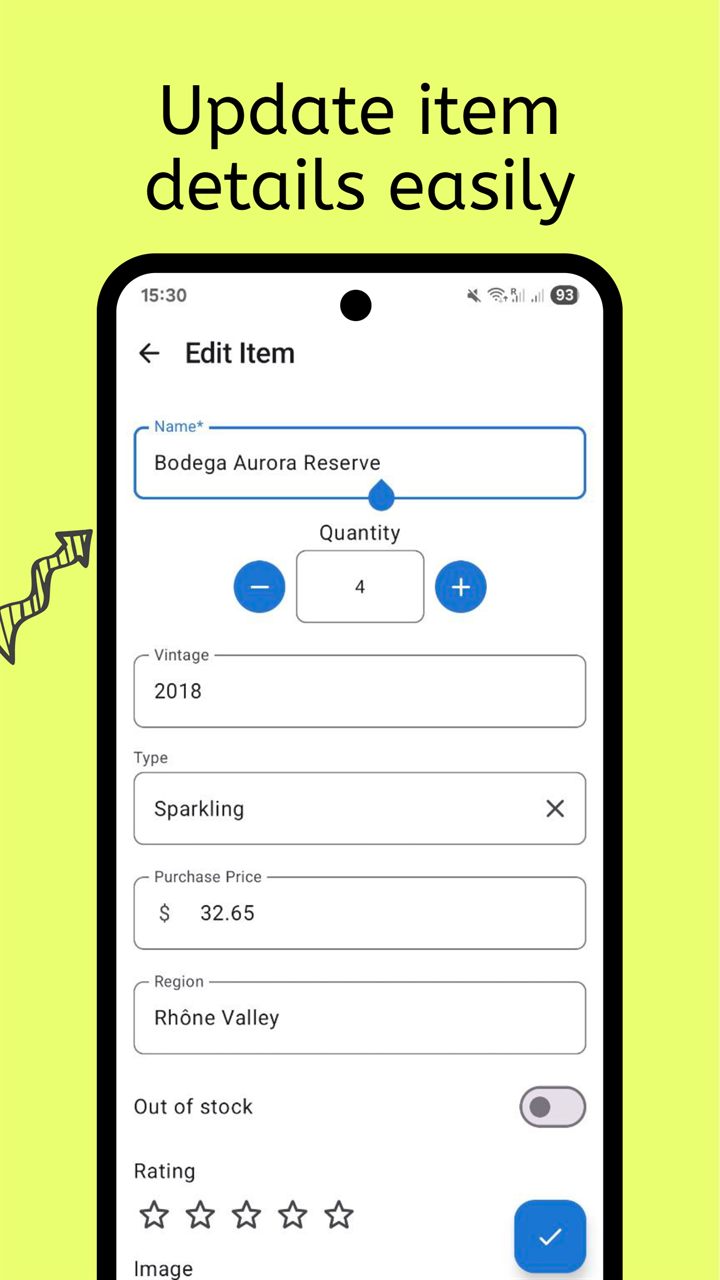
- Add titles with quick identifiers first, then enrich with edition and condition details as you review each category.
- Use filters to audit duplicates, missing metadata, and location mismatches, then update in focused maintenance sessions.
By separating intake from enrichment, you can catalog large backlogs quickly and still maintain collector-grade detail over time. The system stays practical because each pass has a clear objective.
When new items arrive, add them immediately and apply category tags consistently. That keeps your library current and reduces future cleanup work.
Frequently Asked Questions
Can I track movies, records, and games in one catalog?
Yes. The app is designed for mixed collections and supports shared fields plus format-specific metadata in the same system.
Do I need different templates for each media type?
You can start with one common structure and add custom fields for media types that need extra detail, such as vinyl pressings or game platforms.
How do I prevent duplicate purchases?
Use search and filters before buying, and mark duplicate copies or ownership status directly in each media record.
Related collection pages
Connect media tracking with the product overview and related collection pages.
Track your media collection with Collection Tracker
Manage movies, vinyl, and games in one organized library with flexible metadata.