Barcode Inventory App for Fast Item Tracking
Collection & Inventory Tracker helps you scan UPC, EAN, and QR codes, create item records quickly, and organize inventory with your own fields for location, quantity, condition, and notes.
Use it for home inventory, tools, pantry stock, books, media, storage boxes, small stock, and any collection where scanning should lead to a clean searchable record.
Who it is for
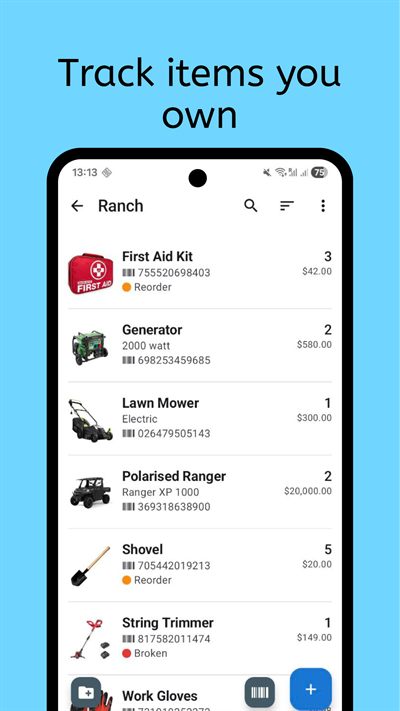
Barcode-based inventory is useful when you manage many physical items and want faster, more consistent data entry. It works for households documenting belongings, collectors cataloging boxed products, small teams tracking shared assets, and anyone organizing shelves, bins, or storage boxes.
If your current process relies on manual forms or spreadsheets, barcode intake reduces friction immediately. You can capture the code, review any lookup result, then add the details that matter in your own inventory: photos, quantity, location, condition, value, supplier, warranty, expiration date, or custom fields.
It also helps when multiple people add items. A repeatable scan-and-review process keeps records consistent, even when contributors use different naming habits.
Barcode Inventory App for Android and iPhone
Collection & Inventory Tracker works on Android and iOS, so the barcode inventory workflow is not limited to Android phones. You can scan with the phone camera, build item records, and keep your inventory available from the device you already use.
The app is available from Google Play and the App Store. That makes it practical for mixed households and small teams where one person uses Android and another uses iPhone.
What to track
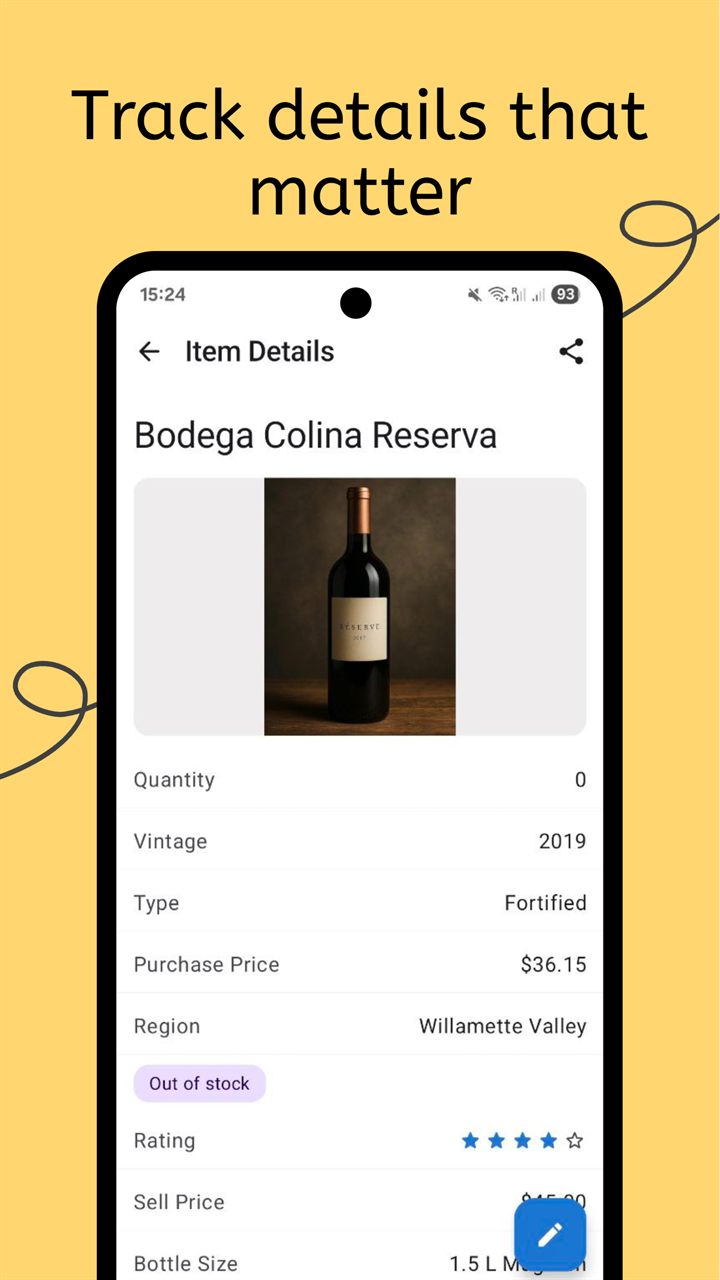
Barcode capture is only the first step. The value comes from combining identifier data with practical inventory context, so each record answers useful questions later.
- Item identifiers: barcode value, code type, UPC, EAN, QR code, SKU, ISBN, or serial number.
- Location and ownership: room, shelf, box, user, team, department, or supplier.
- Quantity and status: in stock, borrowed, low stock, archived, inactive, or needs reorder.
- Condition and notes: photos, issues, maintenance reminders, warranty notes, and freeform annotations.
- Custom data: dropdowns, numbers, dates, ratings, formula fields, and fields that match your own workflow.
- Audit fields: grouped views, table view, low-stock filters, alerts, and export fields for later review.
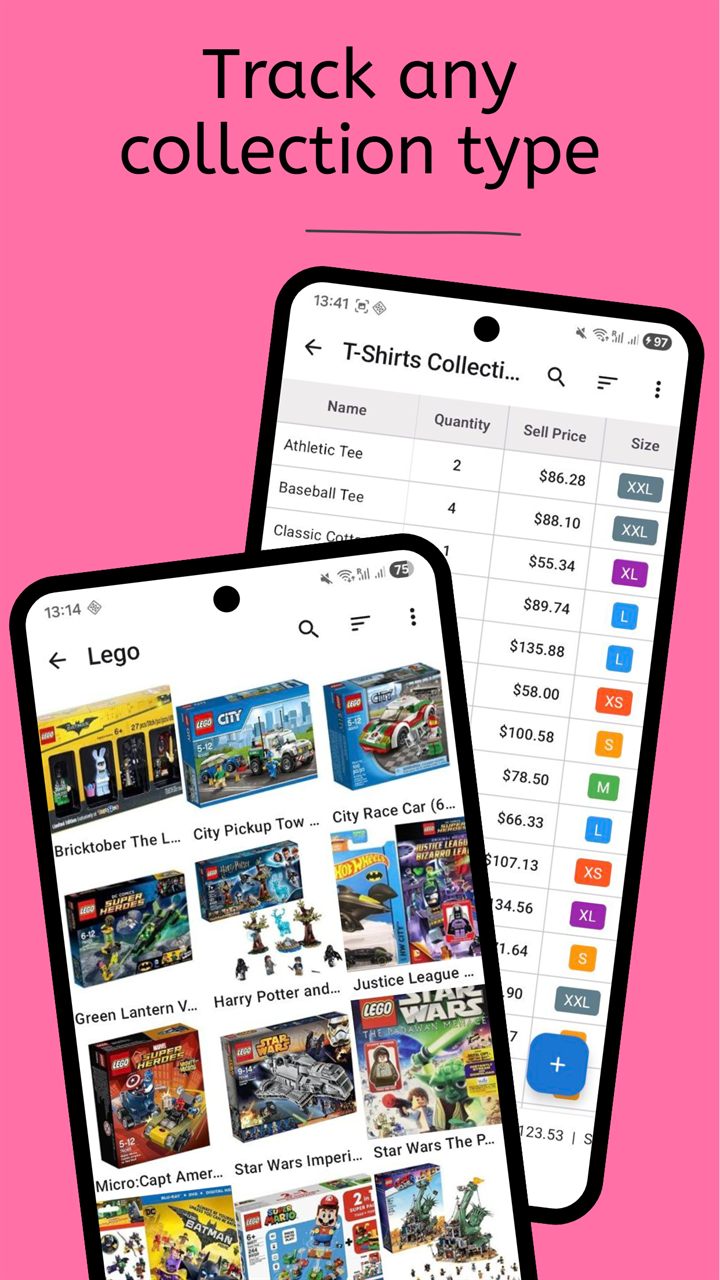
With custom fields, the same scanner flow can support home inventory, pantry stock, media catalogs, tools, hobby collections, and small business supplies. You are not locked into one rigid template.
What happens after you scan a barcode?
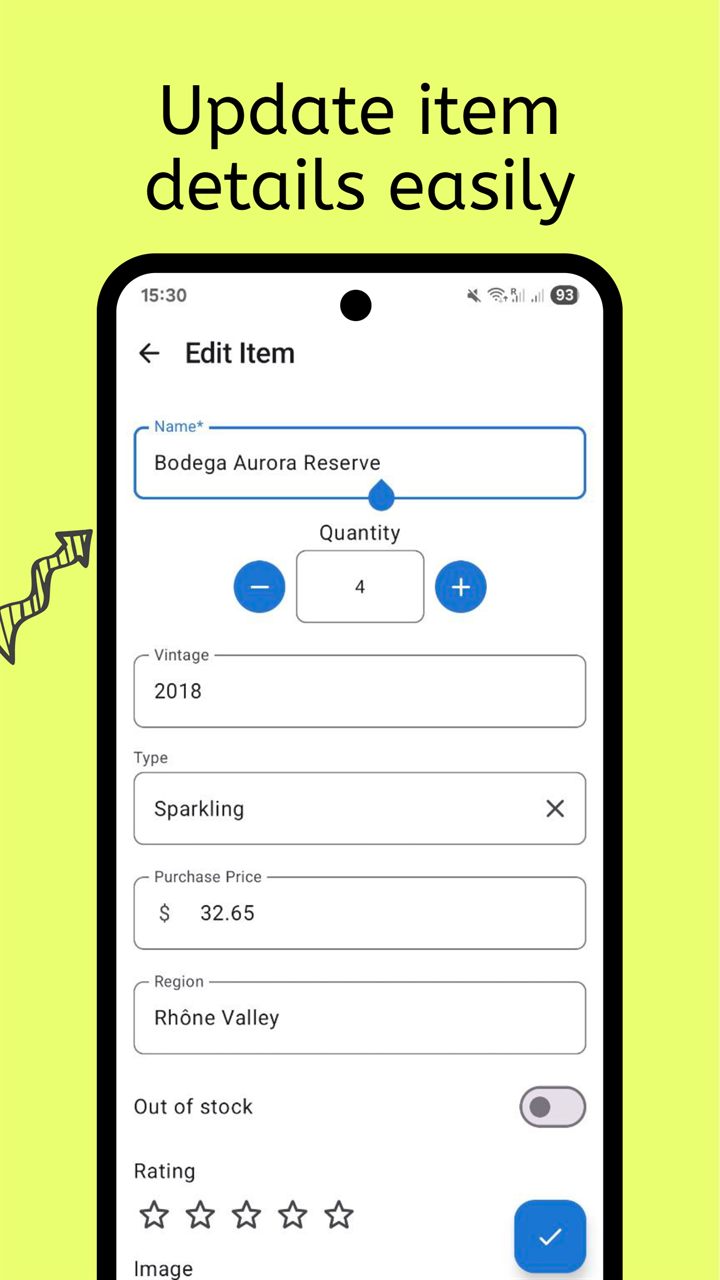
A useful barcode inventory app should do more than capture a number. The app supports a short workflow that turns each scan into a complete record you can search, update, and export later.
- Scan UPC, EAN or QR code.
- Review lookup result.
- Add photos, quantity, location and custom fields.
- Save item.
- Search or export later.
This keeps scanning fast without making the inventory vague. Product lookup can provide a starting point, while your own fields capture the real-world details that make the record useful.
Barcode inventory examples
Different inventories need different fields. These examples show how one scanner workflow can support several common long-tail use cases.
| Use case | Fields to track | Example |
|---|---|---|
| Home inventory | Room, value, serial number, warranty | TV, laptop, appliance |
| Tools | Owner, condition, location, maintenance date | Drill, saw, ladder |
| Pantry | Quantity, expiration date, storage area | Cans, rice, spices |
| Books/media | ISBN/barcode, shelf, format, condition | Books, vinyl, DVDs |
| Small stock | SKU, quantity, reorder level, supplier | Office supplies, parts |
Barcode vs QR code inventory
Use retail UPC and EAN barcodes when the item already has a manufacturer code, such as packaged food, books, electronics, tools, office supplies, or media. Scanning the existing barcode is fastest because the code is already attached to the product.
Use your own QR labels when the item, box, shelf, bin, asset, or container does not have a useful retail barcode. QR labels are especially good for storage boxes, moving boxes, tool bins, craft supplies, shared equipment, and grouped items where the label should point to your own record.
Print labels and scan storage boxes
Label printing was added in version 0.9.72, so you can create labels for boxes, bins, shelves, containers, or assets that need their own scannable ID. This is helpful when you want a storage box inventory where the outside label connects to the contents inside.
Print a QR or barcode label, attach it to the box, scan it when you need to update the contents, and search later instead of opening every container. For a deeper box workflow, read the QR code storage boxes guide.
Feature proof from recent releases
The barcode workflow is backed by recent app features that make inventory data easier to capture, protect, and review: formula fields, improved barcode lookup, Google Drive backup, label printing, alerts, bulk image import, Excel export with embedded images, table view, grouping, and low-stock filters.
That means the scanner is not isolated from the rest of the inventory system. You can scan items, add photos in bulk, calculate totals with formulas, review stock in table view, group records by field, filter low-stock items, receive alerts, back up to Google Drive, and export to Excel when you need a spreadsheet-friendly copy.
Frequently Asked Questions
Which barcode formats are supported?
The app supports common formats including QR, UPC, and EAN so you can scan most retail, packaged, and self-labeled inventory items.
Can I edit item details after barcode lookup?
Yes. Lookup is only a starting point. You can change names, categories, quantities, locations, photos, and any custom field before saving.
Does this help with large inventories?
Yes. Scan-driven intake, bulk image import, table view, grouping, filters, and export are designed for larger cataloging sessions where consistency and speed both matter.
Related collection pages
Combine barcode intake with the related product pages to build a complete inventory system.
Start scanning with the Barcode Inventory App
Add items quickly, keep records structured, and build an inventory you can search, label, back up, and export.