
Home Inventory App for Tracking Household Items
Collection & Inventory Tracker helps you build a complete home inventory with photos, serial numbers, values, and storage locations. You can keep everyday household items and high-value assets in one organized place instead of relying on scattered notes, spreadsheets, or photo folders.
It works well for insurance documentation, moving prep, and estate planning because the system is practical enough to keep current over time.
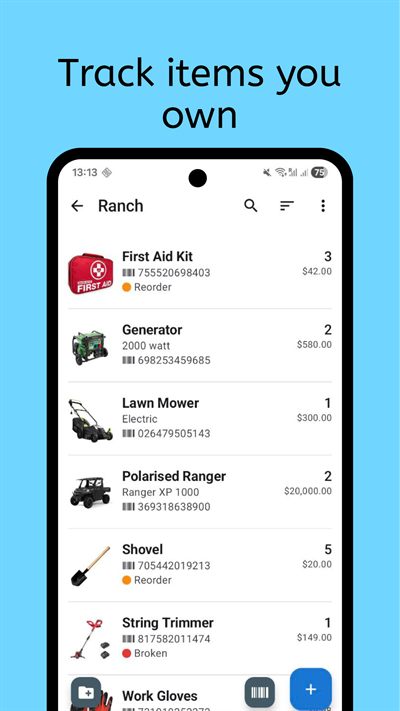
Who it is for
This home inventory tracker is designed for people who want better visibility into household belongings without learning complex software. It works well for homeowners documenting appliances and electronics, renters who want quick proof of ownership, and families managing shared storage across multiple rooms.
It is also useful for people who need documentation for insurance claims. You can store item photos, purchase dates, serial numbers, receipts, and notes in one record. Instead of rebuilding lists after an incident, you maintain your inventory continuously and export it whenever needed.
If you are planning a move, the same structure helps you prepare box-level inventories. Assign a storage location to each item or group of items, then filter by room, container, or category. That makes packing and unpacking easier because each object already has a known place in your system.
What to track
You can use this household inventory app for both daily-use objects and long-term assets. The key is to define practical categories and then reuse them consistently. Most users start with high-impact categories and then expand across the rest of the home in short sessions.
- Furniture and appliances: model, brand, serial, purchase date, and warranty notes.
- Electronics: current condition, accessories, storage location, and backup ownership proof.
- Tools and equipment: quantity, maintenance status, and where each item is stored.
- Personal valuables: photos, acquisition details, and replacement value references.
- Consumables and household stock: quantities and reorder reminders for frequently used items.
- Documents and special records: custom fields for policy IDs, receipt references, or notes.
Barcode scanning speeds up entry for products with UPC, EAN, or QR codes. For items without barcodes, custom fields let you capture the exact details you care about. You can keep the data model simple at first and add fields only when they improve decisions.
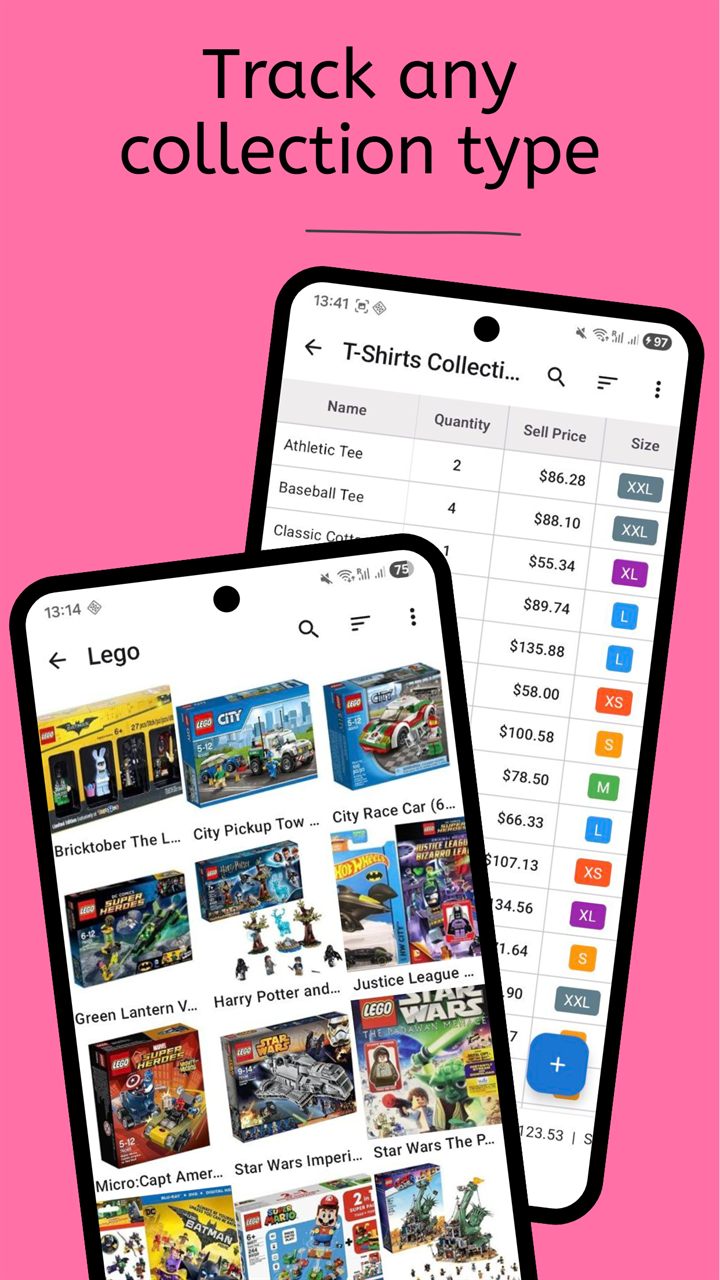
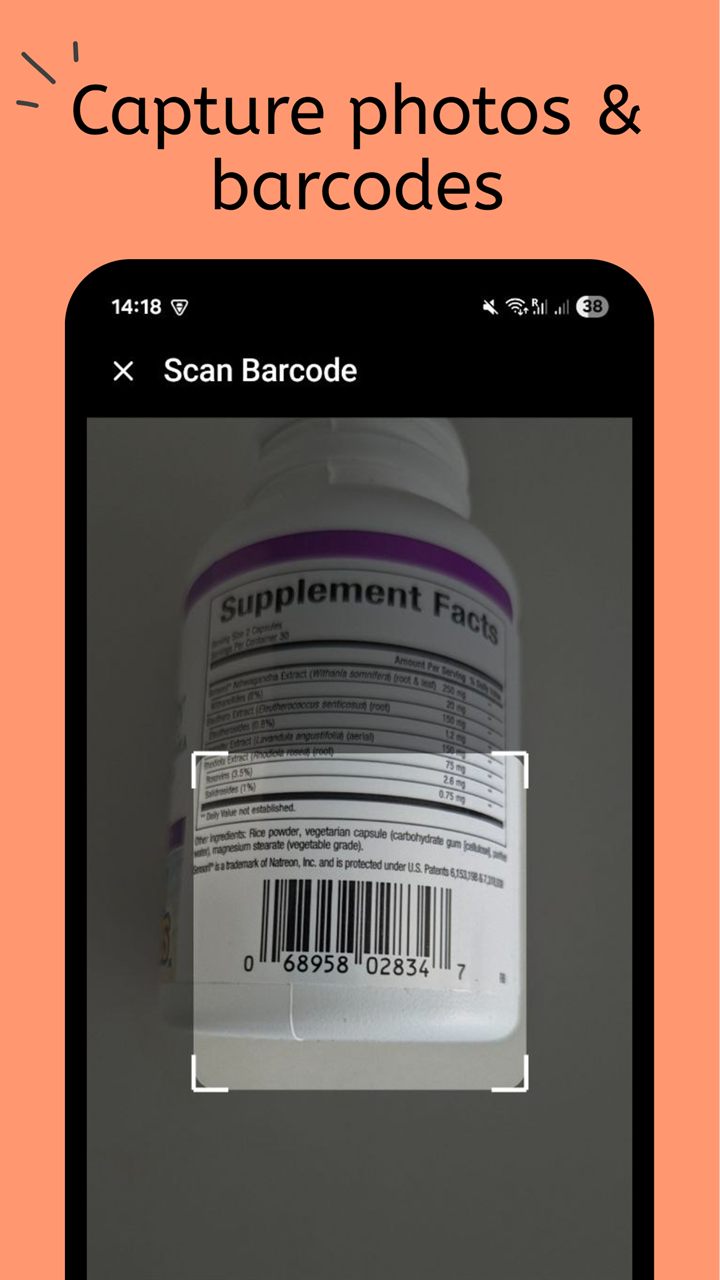
How the workflow works
A home inventory stays useful only if it is easy to maintain. Most people do best with a simple three-step routine that turns a one-time list into a system they actually update.
- Create a home inventory collection with clear top-level groups such as rooms, storage zones, or item types.
- Add new items with photos and identifiers first, then enrich with value, warranty, and condition details.
- Review and update in short sessions, using filters to find missing data and exports for backup copies.
When new purchases come in, add them immediately or scan them during a weekly review. When something moves, update location and notes in the same edit. This keeps data current without needing large cleanup projects later.
You can also share collections with family members so each person updates the items they manage. That collaborative model helps keep the inventory accurate while still using a single structure for search, reporting, and export.
Frequently Asked Questions
Can I use this app as a home inventory for insurance?
Yes. You can store photos, serial numbers, purchase details, and item notes, then export your data when you need a backup or report for documentation.
How often should I update household items?
Most users do best with small weekly updates and immediate entry for new purchases. This keeps records accurate without large manual catch-up work.
Does it work when I do not have internet access?
Yes. The app is offline-first, so you can view and edit inventory records locally and sync later when you choose.
Related collection pages
Explore the full product overview or jump to related pages that often overlap with household tracking.
Get the Home Inventory App on Google Play
Track household assets, know what you own, and keep documentation ready when you need it.