
LEGO® Collection Tracker App for Sets and Minifigures
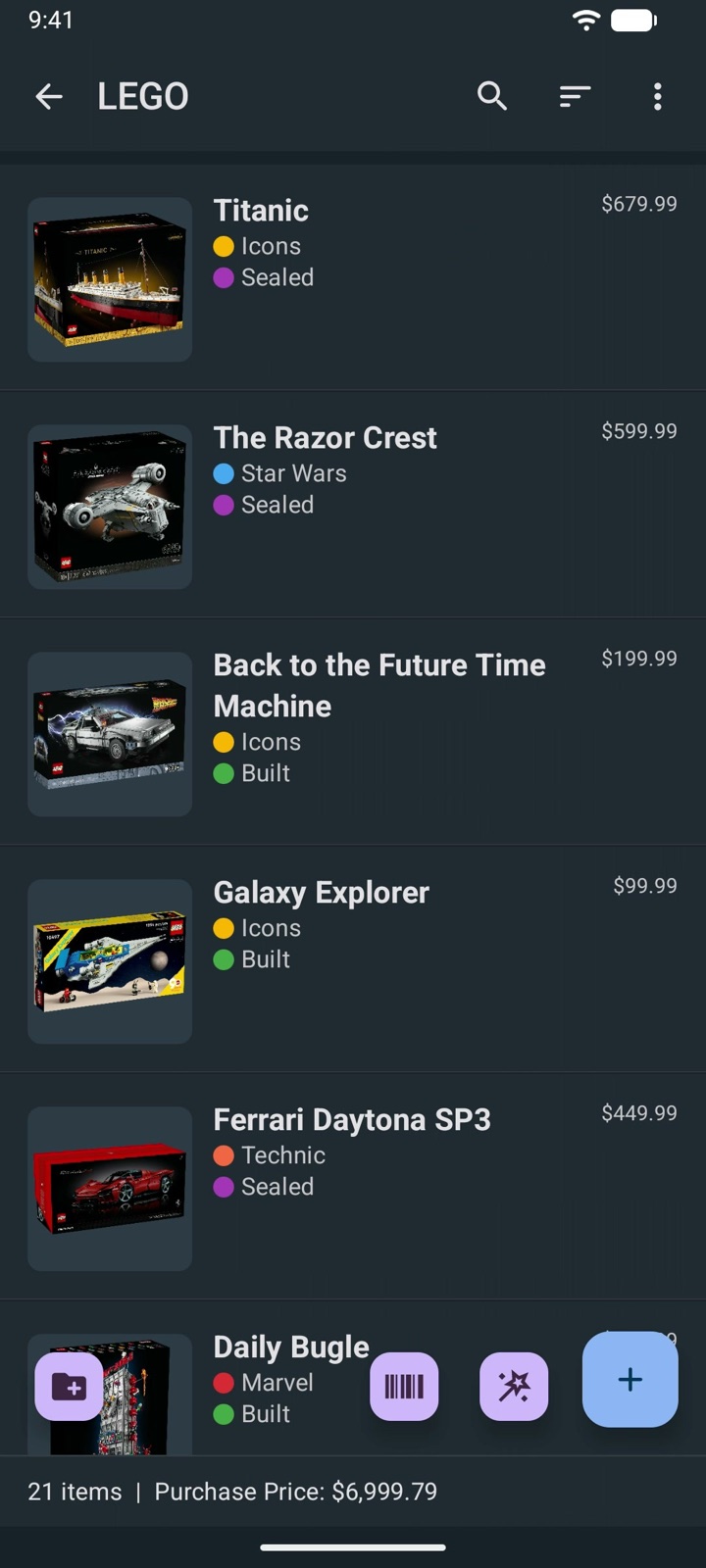
Collection & Inventory Tracker is a LEGO® set tracker for Android and iPhone that helps you catalog your sets, minifigures, and loose parts in one organized, searchable collection. Scan the barcode on a box, add photos, and record the details builders and collectors actually care about: set number, theme, piece count, and whether a set is sealed, built, or sorted into bins.
Because every field is customizable, your LEGO catalog can live next to your books, games, and other collections in the same app instead of in a separate single-purpose tracker.
Who this LEGO tracker is for
It is built for LEGO fans whose shelves keep growing. When you own dozens or hundreds of sets, it gets hard to remember what you already have, which sets are complete, and which boxes are still sealed. A searchable catalog on your phone answers those questions in seconds, including in the store, when a duplicate purchase is one impulse away.
Sealed-set collectors and investors use it to record what they paid, where they bought it, and an estimated current value, so they can see how a collection performs over time. Parents use it to keep track of their kids' sets, missing pieces, and instruction booklets. Adult builders use it to organize bulk parts, custom builds, and the bins they are stored in.
If you collect more than LEGO, the same app handles your minifigure series, trading cards, video games, or vinyl, each with its own fields.
What to track in your LEGO inventory
The app includes a ready-made LEGO template, so you can start with sensible fields and adjust them as your collection grows. Most collectors track a mix of these details:
- Set identification: set number, name, theme, subtheme, release year, and piece count.
- Condition and status: sealed, built, partially built, disassembled, or in bulk bins, plus whether the box and instructions are present.
- Minifigures: which figures came with a set and which are missing, or track minifigs as separate items with their own photos.
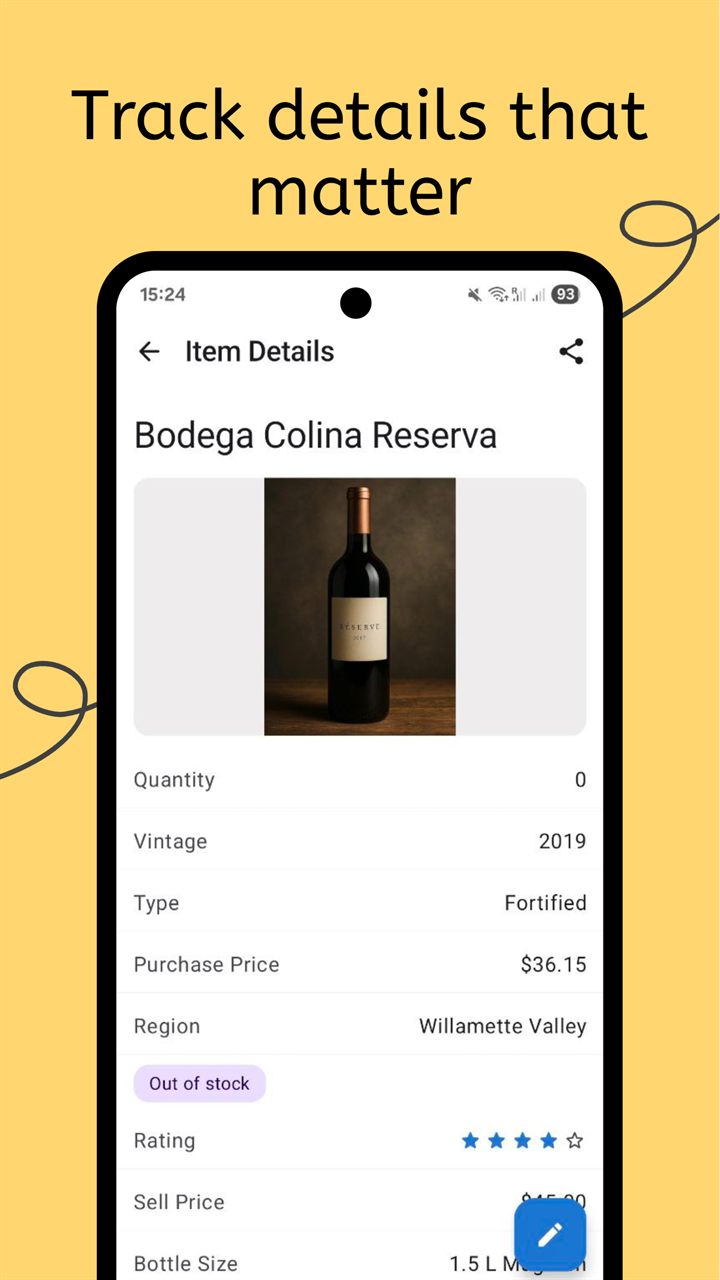
- Value: purchase price, date, retailer, and current estimated value. Formula fields can total your collection value or calculate the gain automatically.
- Storage location: display shelf, room, LEGO storage bin number, or box label, with printable QR labels for each bin.
- Collection status: owned, wishlist, for sale, sold, or lent to a friend.
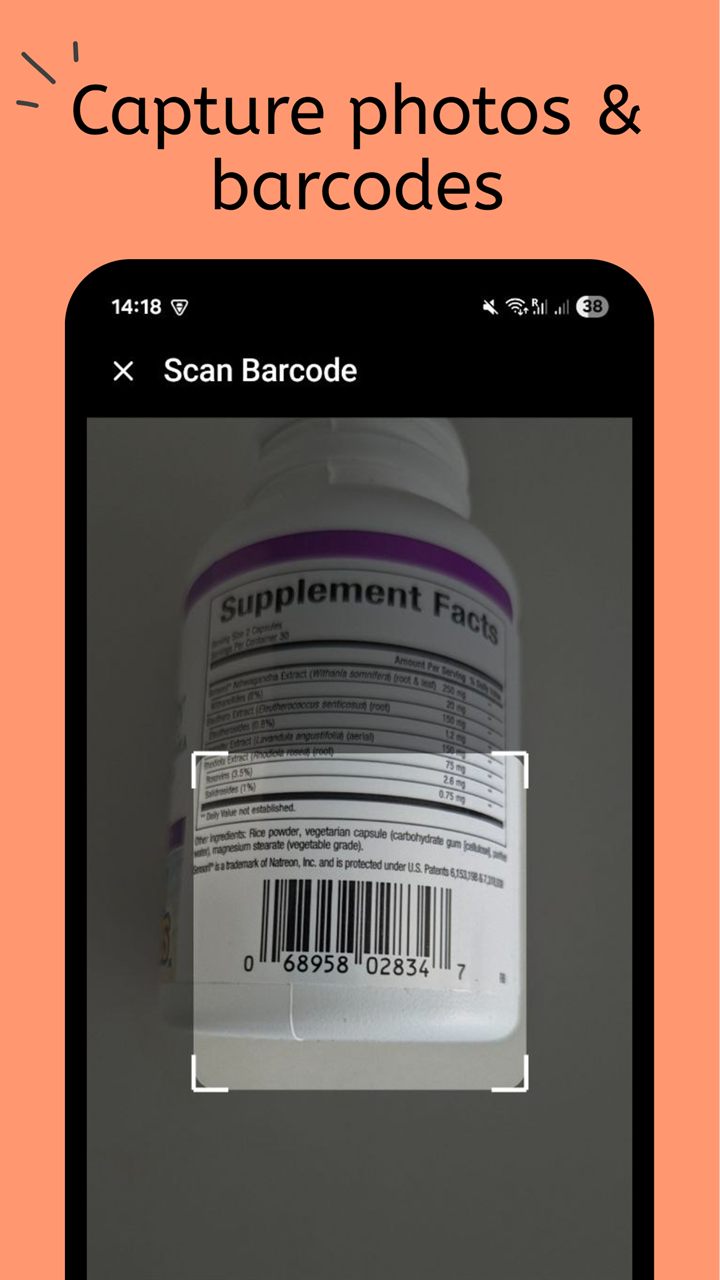
Scanning the barcode on a LEGO box can fill in the product title and image through the built-in barcode lookup, so adding a whole shelf takes minutes instead of an evening. Sets without a box are just as easy to add by typing in the set number and name yourself, and up to 15 photos per item let you document the box, the build, and any damage.
How to catalog your LEGO sets
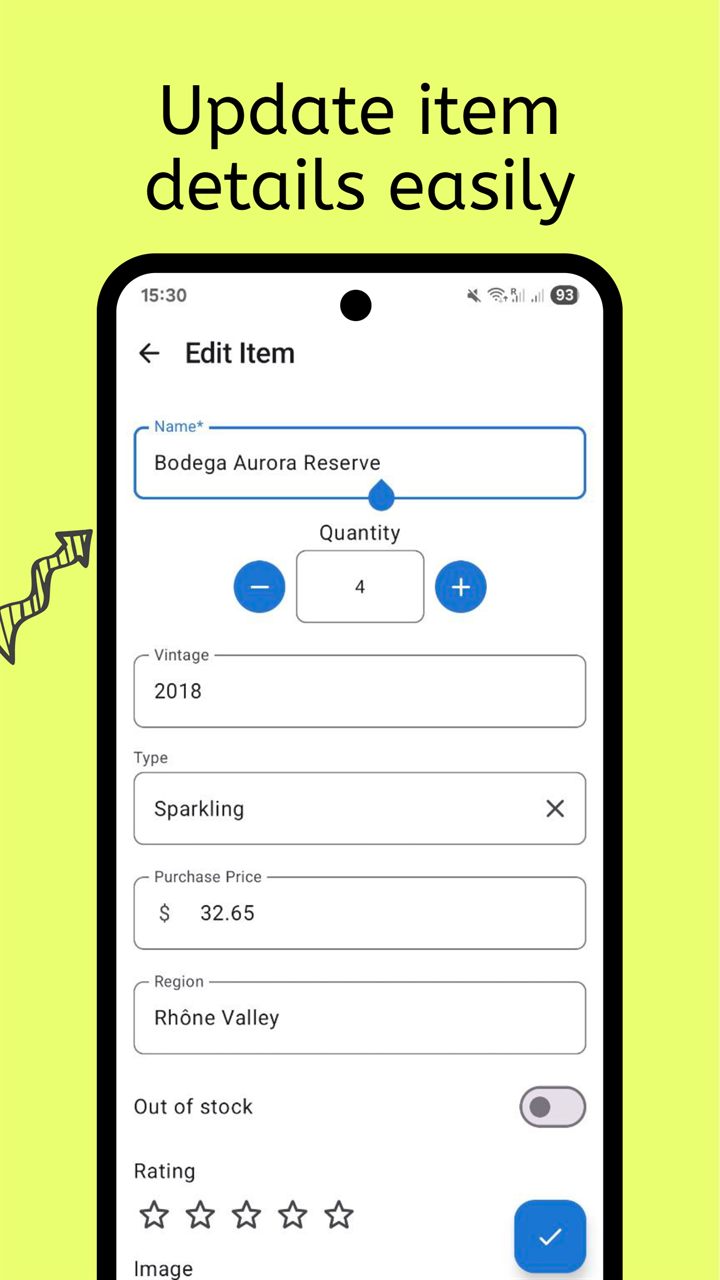
A LEGO catalog stays useful when it is quick to update. Most collectors settle into a simple routine:
- Start from the LEGO template and create folders by theme, such as Star Wars, Technic, City, or Icons.
- Scan each box or enter the set number, add a photo, and mark whether the set is sealed or built.
- Add the price you paid and an estimated value, then use grouping and filters to see totals by theme, year, or status.
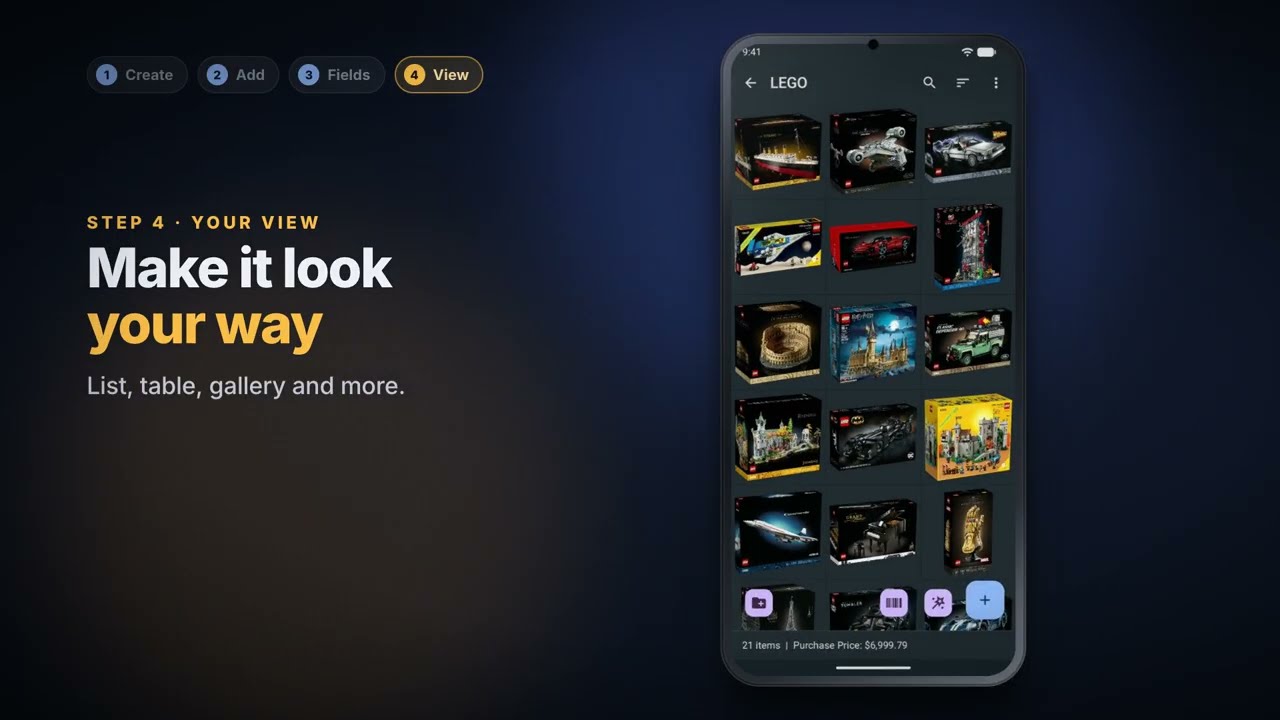
The app works offline, so you can check your collection at a LEGO store, a flea market, or a convention without a signal. When you need a full list for insurance, a sale, or a LEGO collection spreadsheet, export everything to Excel or CSV in a few taps.
You can also share a collection with family members as viewers or editors, which helps when a household's sets are spread across several rooms and builders.
Frequently Asked Questions
Can I scan LEGO set barcodes?
Yes. Scan the barcode on a LEGO box to add the set. The barcode lookup fills in the title and image when they are available, and you can always enter a set number manually instead.
Can I track the value of my LEGO collection?
Yes. Add fields for purchase price and current value, and use formula fields to calculate totals or gains. The app does not pull live market prices, so you update values from the price guide you prefer.
Can I track minifigures and loose parts too?
Yes. Create separate collections for minifigures or bulk parts with their own fields, or list the minifigures inside each set record.
Does the app include a LEGO set database?
No. There is no built-in catalog of every LEGO set. The barcode lookup fills in the title and image when you scan a box, and you can import a list of sets you already keep in an Excel or CSV spreadsheet.
Related collection pages
Explore related pages for other collections and ways to organize your storage.
LEGO® is a trademark of the LEGO Group, which does not sponsor, authorize, or endorse this app or website.
Track your LEGO collection with Collection Tracker
Free on Android and iPhone. Know every set you own, what it is worth, and where it is stored.