Book Collection Tracker App
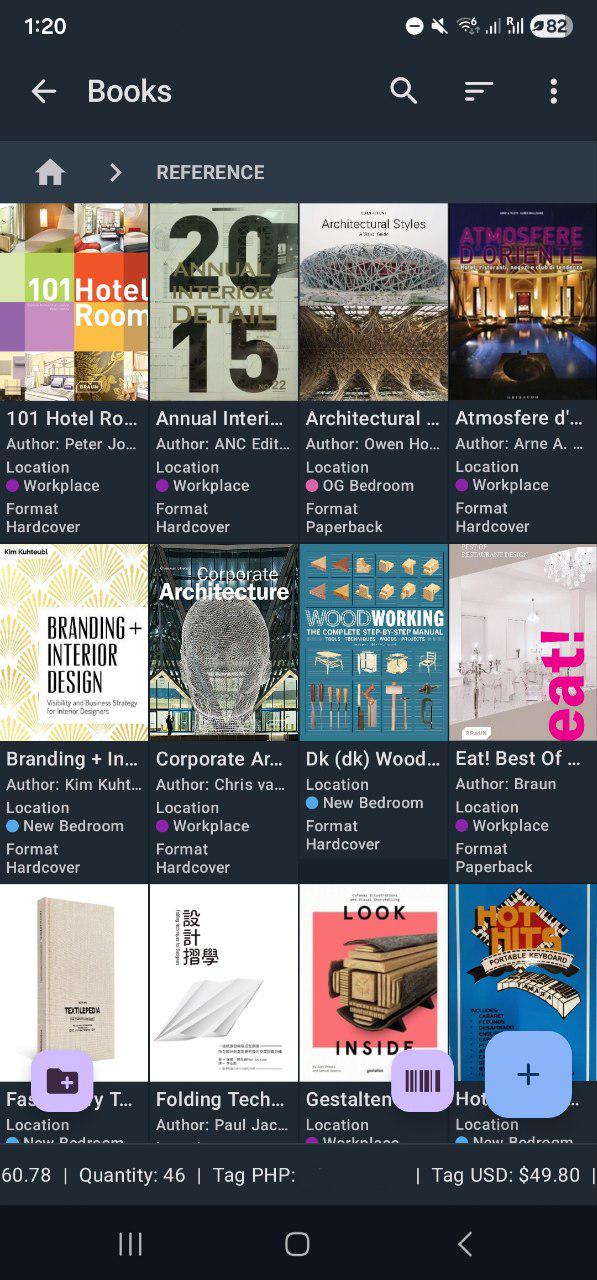
Collection & Inventory Tracker helps you catalog your library with practical metadata, ISBN scanning, and fast filtering. It gives readers and collectors better control over what they own, what they have read, and where each title belongs.
Whether your collection is a few dozen books or several thousand, you can keep the whole library in one place instead of splitting it across notes, spreadsheets, and separate apps.
Who it is for
It works well for personal library management, collector tracking, and long-term archive organization. The structure fits people who buy physical books regularly, maintain genre or series lists, or need a clear way to avoid duplicate purchases.
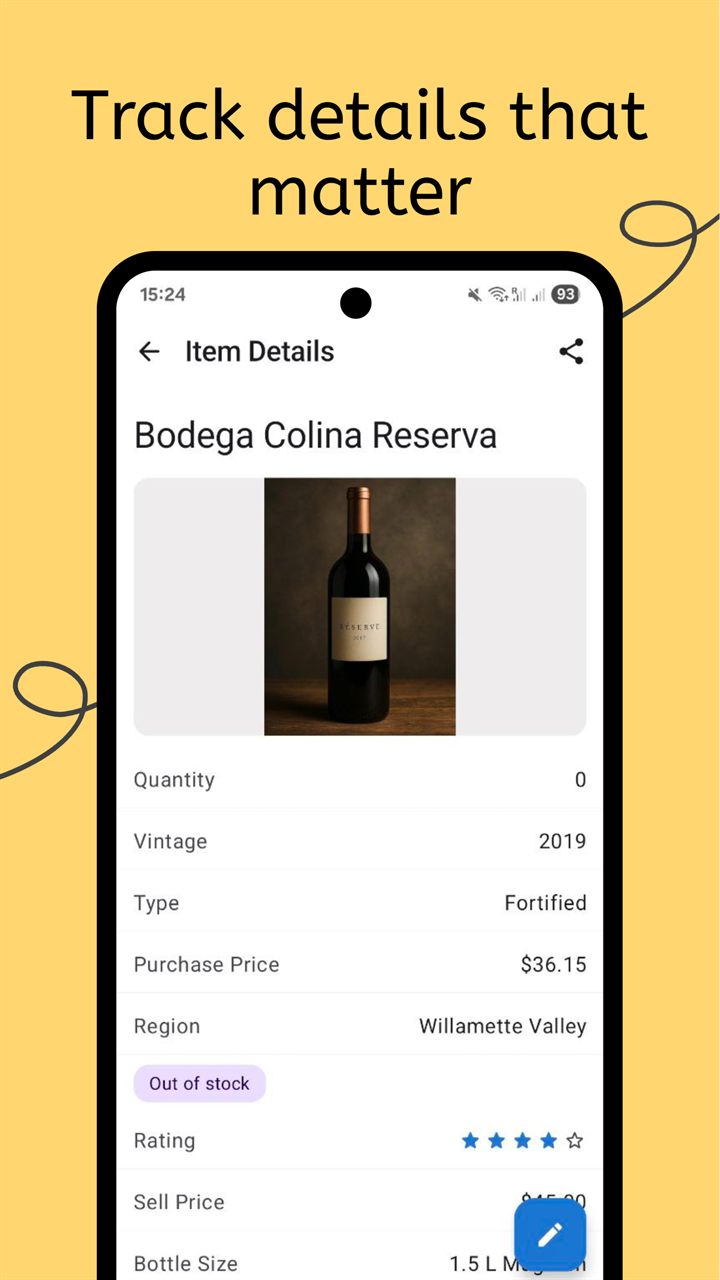
If you run reading projects, the tracker helps separate owned books from reading queue and completed titles. If you collect special editions, custom fields can store edition details, condition notes, and provenance information so your catalog stays useful for both reading and valuation purposes.
It is also useful for shared libraries in households. You can keep one catalog, add owner tags, and filter quickly by person, location, or status.
What to track
A good book inventory balances bibliographic detail with practical search fields. The app lets you start simple and then add precision where you need it.
- Core book data: title, author, ISBN, series, and genre.
- Reading lifecycle: status fields such as unread, reading, completed, or reference-only.
- Edition details: publisher, format, printing, language, and binding type.
- Collection quality: condition grades, annotations, and special features.
- Storage mapping: shelf, room, box, or archive location for fast retrieval.
- Personal notes: ratings, summaries, and private comments for each title.
ISBN scanning accelerates intake for print books and reduces typing errors. After scanning, you can refine metadata with your own tags and structure. Search and filters then let you locate titles instantly by author, series, or reading state.
How the workflow works
Most users get the best results by separating setup, intake, and maintenance into small repeatable steps. That keeps your catalog clean while avoiding long manual sessions.
- Define your collection structure first, including author, series, format, and reading status fields.
- Scan ISBN or add books manually, then enrich each record with shelf location, condition, and personal notes.
- Review your catalog regularly with filters to identify unread books, missing metadata, or duplicates before new purchases.
This process supports both reading-focused and collector-focused use cases. You can track reading goals while maintaining edition-level detail for valuable items.
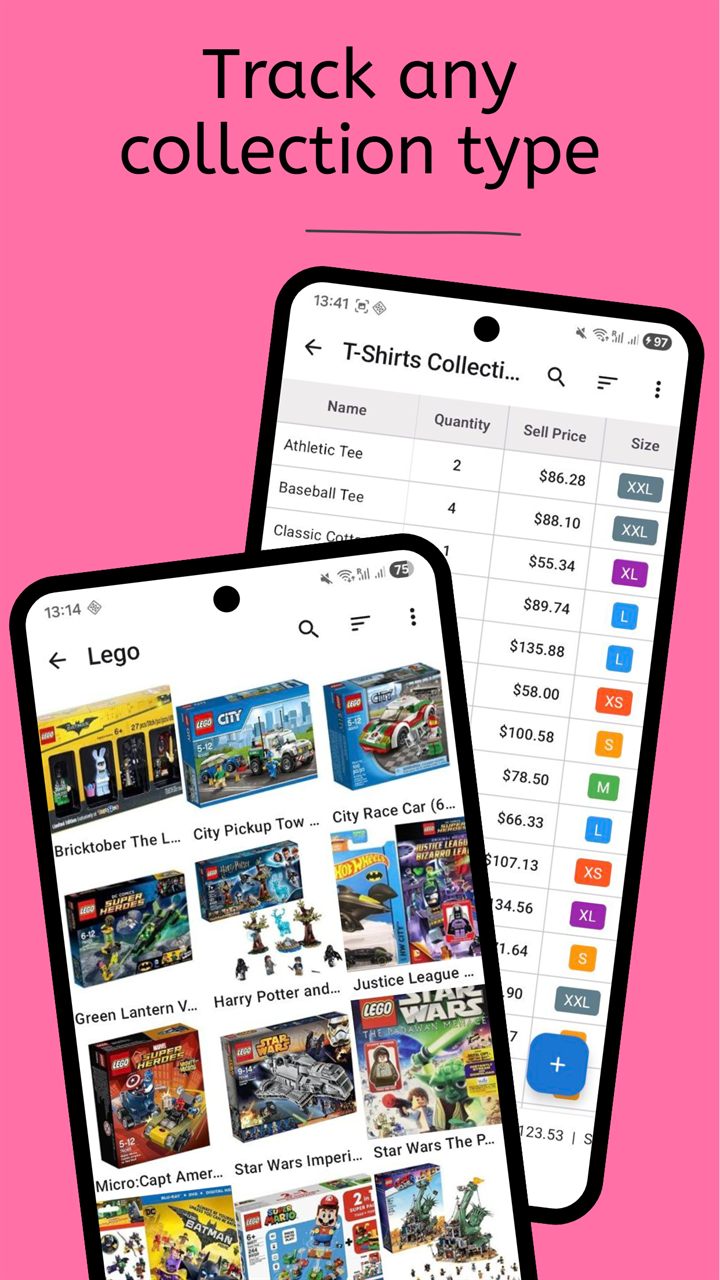
When your collection grows, folders and tags make navigation faster than scrolling long lists. You can organize by genre, project, or location and still keep one unified searchable library.
Frequently Asked Questions
Can I track both reading progress and collector details?
Yes. You can combine reading status fields with edition, condition, and notes fields in the same record for each book.
Is ISBN scanning required for every book?
No. ISBN scanning is optional. You can create records manually for books that do not scan or do not have barcodes.
Can I find books quickly in a large library?
Yes. Search, filters, folders, and custom fields are designed to keep large book inventories easy to navigate.
Related collection pages
Use the main product overview and related pages when your library overlaps with media and collectibles tracking.
Track your books with Collection Tracker
Catalog your library with ISBN scanning, flexible fields, and reliable search.